Geometry is easier to understand when you can move a figure, change its measurements and observe what happens.
The ChickenTimer Interactive Geometry Explorer allows Primary and Secondary Mathematics students to investigate 2D shapes and 3D solids visually. Select an explorer below to begin.
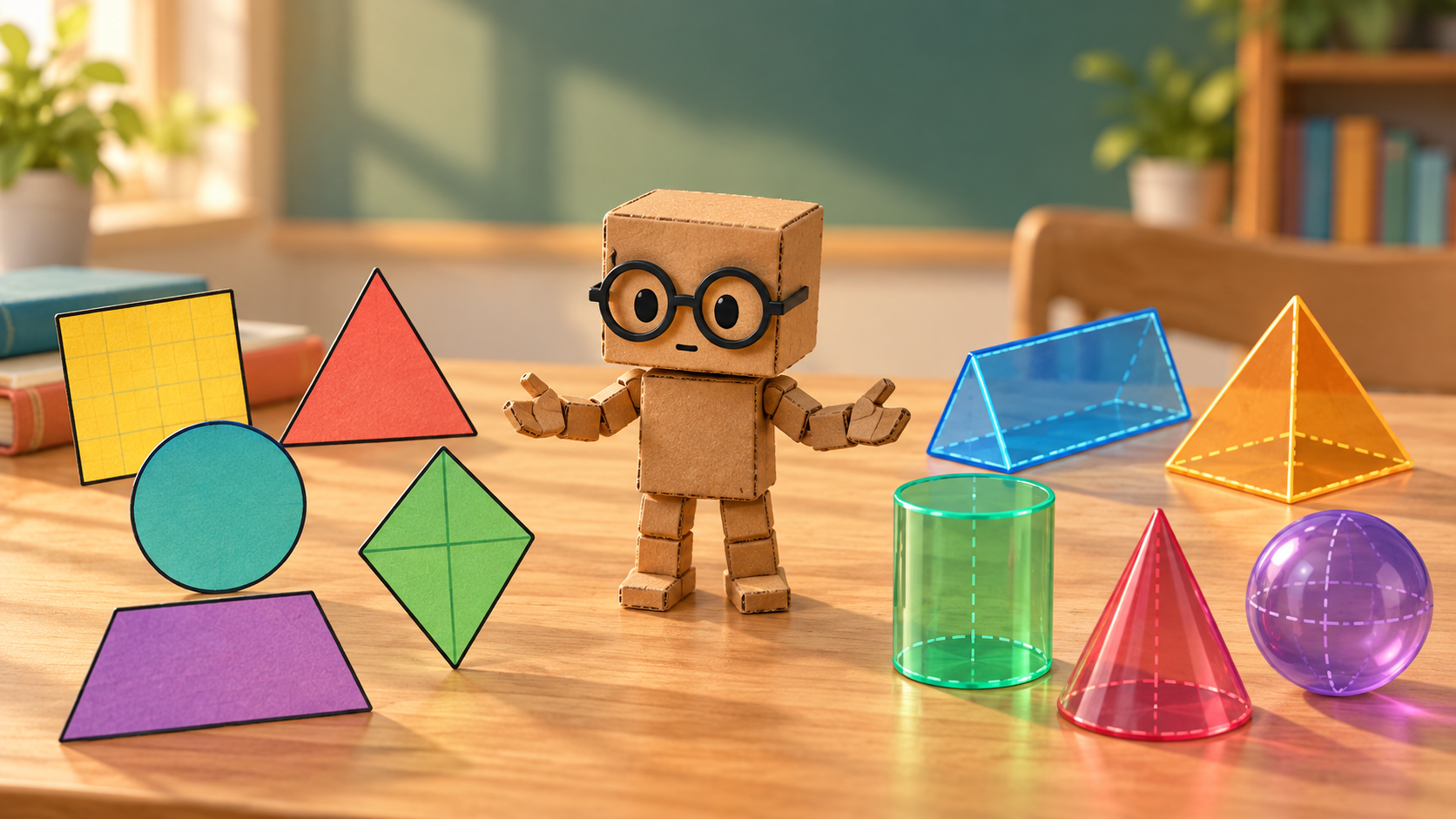
CT-1 introducing interactive 2D shapes and 3D solids.
Choose your Geometry Explorer
Explore 2D Shapes
Investigate flat figures such as squares, rectangles, triangles, circles, kites, rhombuses, parallelograms and trapeziums.
Use the Interactive 2D Shape Explorer to:
Change the dimensions of a figure.
Rotate the figure without changing its measurements.
Display perpendicular heights and diagonals.
Calculate area.
Calculate perimeter or circumference.
Compare related shapes.
Follow each calculation step by step.
Check that the correct square units are used.
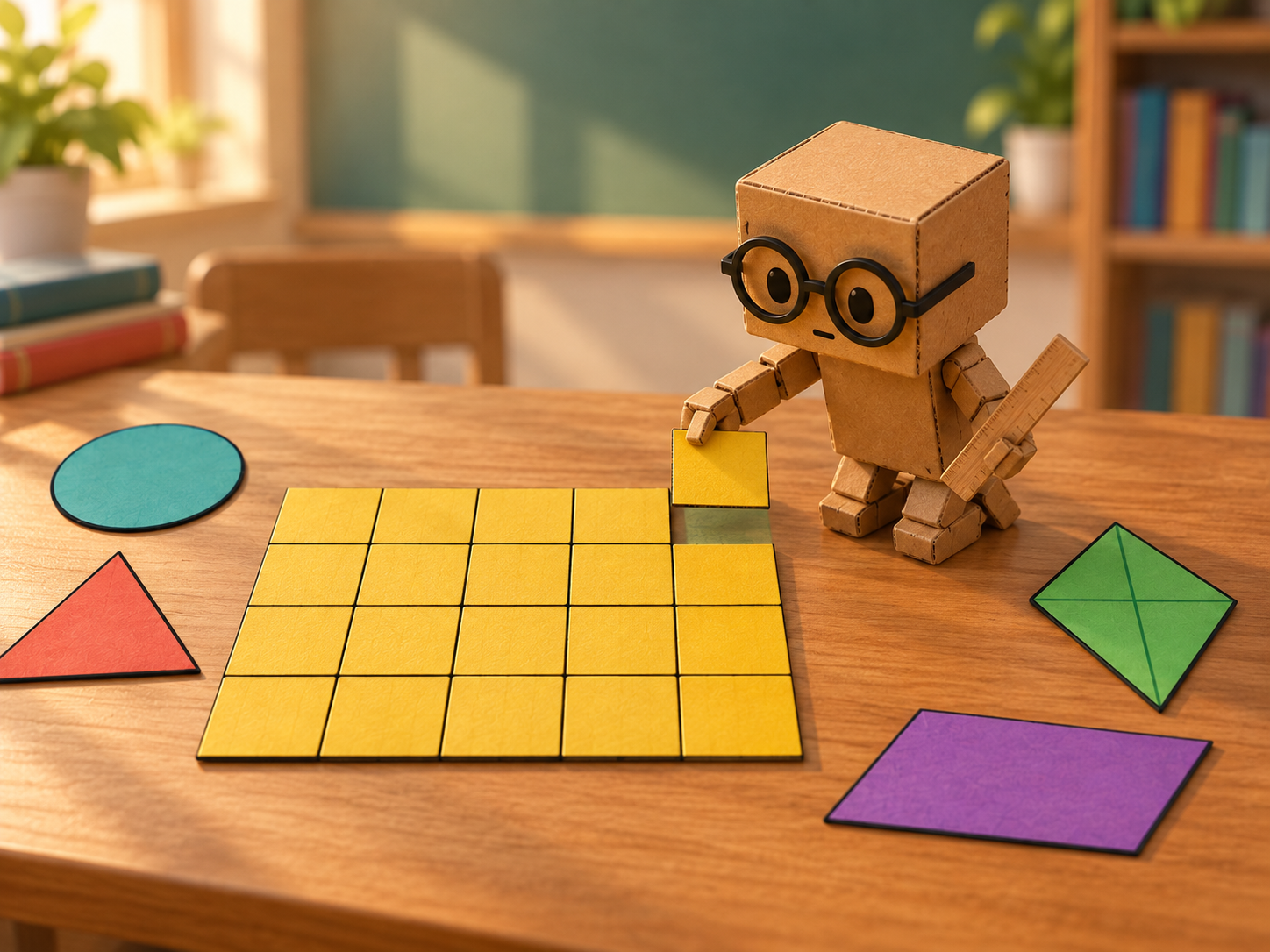
CT-1 measuring a rectangle made from equal unit squares to explore area.
Explore 3D Solids
Investigate prisms, pyramids, cones, cylinders, hemispheres and spheres.
Use the Interactive 3D Solid Explorer to:
Rotate a solid in three dimensions.
Zoom in and out.
Use Transparent view to reveal hidden measurements.
Display edges and cross-sections.
Identify perpendicular height, slant height and radius.
Calculate cross-sectional area.
Calculate surface area.
Calculate volume.
Follow each calculation step by step.
Check that the correct square or cubic units are used.
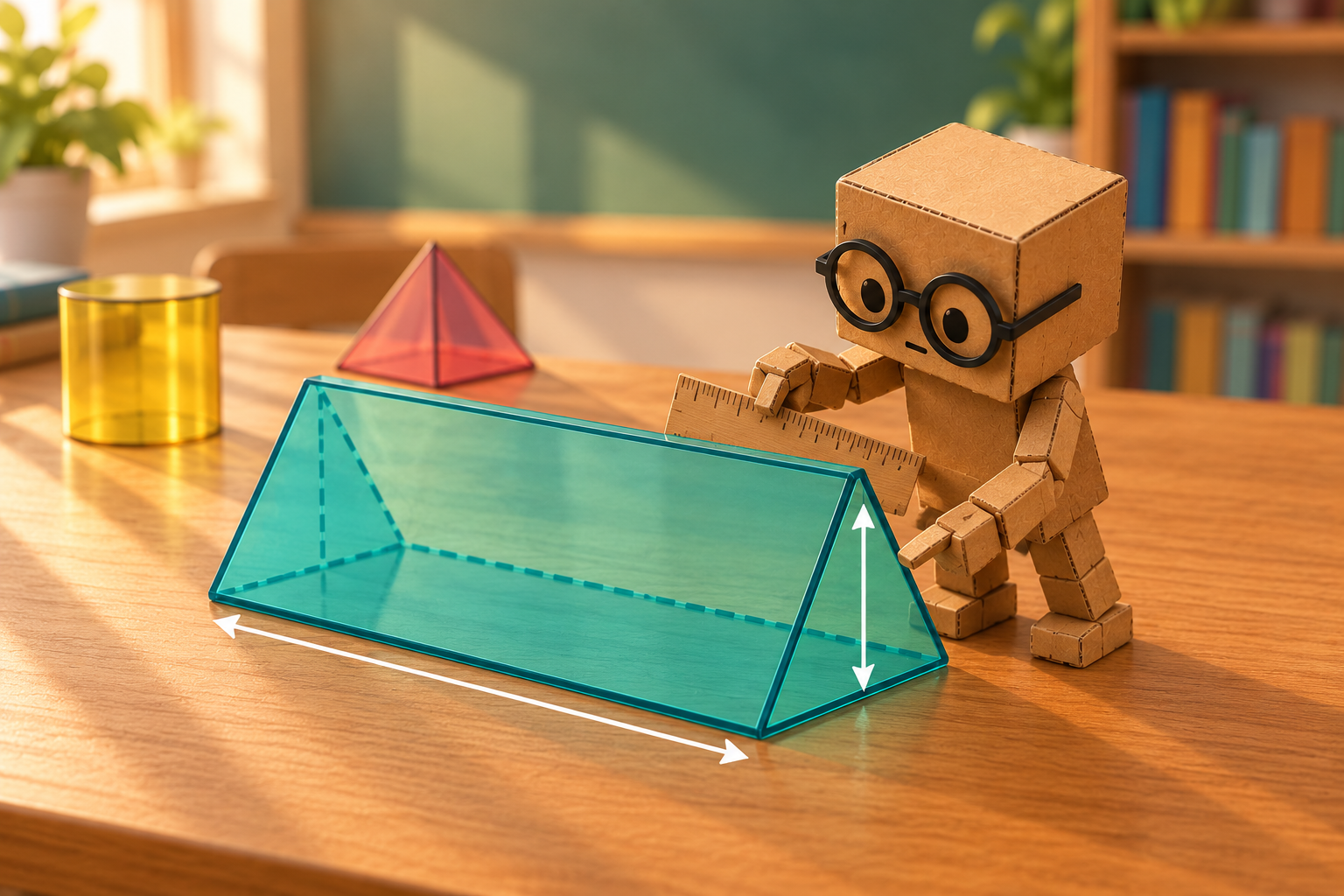
CT‑1 measuring a translucent triangular prism to explore cross-sectional area and volume.
What is the difference between 2D and 3D?
A 2D figure is flat. It has length and width but no thickness.
Examples include:
Square
Rectangle
Triangle
Circle
Trapezium
A 3D solid has length, width and height. It occupies space.
Examples include:
Prism
Pyramid
Cone
Cylinder
Sphere
A square is a 2D figure, while a cube is a 3D solid. A circle is a 2D figure, while a sphere is a 3D solid.
Which explorer should I use?
Use the 2D Shape Explorer when you need to investigate:
Area
Perimeter
Circumference
Bases
Perpendicular heights
Diagonals
Radius and diameter in a circle
Use the 3D Solid Explorer when you need to investigate:
Cross-sectional area
Surface area
Curved surface area
Volume
Faces, edges and vertices
Prism length
Perpendicular height
Slant height
Radius and diameter in a solid
Understanding measurement units
Different types of measurements require different units.
Length
Length is measured in ordinary linear units:
mm
cm
m
km
Examples include side length, height, radius and diameter.
Area
Area and surface area are measured in square units:
mm²
cm²
m²
km²
The raised 2 shows that the measurement represents a two-dimensional area.
Volume
Volume is measured in cubic units:
mm³
cm³
m³
km³
The raised 3 shows that the measurement represents three-dimensional space.
How to use the interactive explorers
Choose either the 2D Shape Explorer or 3D Solid Explorer.
Select a figure or solid.
Enter the required measurements.
Choose the measurement unit.
Rotate the diagram to examine it from different orientations.
Show or hide measurements, heights, diagonals, edges or cross-sections.
Select the quantity you want to calculate.
Follow the formula, substitution, calculation and final answer.
Do not estimate a measurement by looking at the diagram. Always use the labelled values because Mathematics diagrams should not be assumed to be drawn exactly to scale.
Why rotate the diagrams?
A figure or solid may appear in many different orientations.
A triangle remains the same triangle when it is turned. A prism remains the same prism when viewed from another direction. Its measurements, area, surface area and volume do not change.
Rotating a diagram helps students learn to recognise mathematical properties instead of depending on one familiar orientation.
For example:
The base of a triangle does not always appear at the bottom.
The height of a prism may not be vertical on the screen.
The circular faces of a cylinder may appear tilted.
The perpendicular height of a pyramid may be hidden inside the solid.
A prism’s cross-section may appear at either end.
Who are these explorers for?
The Geometry Explorers are designed for:
Primary Mathematics students
Secondary G1 Mathematics students
Secondary G2 Mathematics students
Secondary G3 Mathematics students
Students who benefit from visual learning
Students who need additional support interpreting diagrams
Teachers demonstrating geometry during lessons
Parents supporting Mathematics learning at home
The learning-mode selector provides reminders appropriate for different levels of study.
Try these geometry investigations
Make a prediction before using the explorers to test each idea.
Does rotating a figure change its area?
Does rotating a solid change its volume?
What happens to the area of a square when its side length is doubled?
What happens to the volume of a cube when its side length is doubled?
Can two rectangles have the same area but different perimeters?
Can two solids have the same volume but different surface areas?
How is a circle related to a cylinder?
How is a triangle related to a triangular prism?
How is a square related to a square-based pyramid?
Why are square units used for area while cubic units are used for volume?
Questions students often ask
Are the diagrams drawn exactly to scale?
The models respond to the measurements entered, but you should always use the labelled values. In examinations, diagrams should not be assumed to be drawn exactly to scale unless the question states otherwise.
Does rotating a diagram change its answer?
No. Rotation changes only the orientation. It does not change the measurements, area, perimeter, surface area or volume.
What is the difference between area and surface area?
Area measures the space enclosed inside a 2D figure.
Surface area is the combined area of all the outside surfaces of a 3D solid.
What is the difference between surface area and volume?
Surface area measures the outside covering of a solid and is written in square units.
Volume measures the space occupied inside a solid and is written in cubic units.
Why should I use Transparent view?
Transparent view reveals hidden edges and internal measurements, including the perpendicular height of a pyramid or cone.
Switching between solid and transparent views can help you understand how the measurements are positioned.
Can I use the explorers to check my homework?
Yes, but complete your own working first. Write the formula, substitute the measurements and calculate the answer before using the explorer to check it.
The explorers are designed to strengthen understanding—not to make the calculator do all the thinking.
For teachers and parents
The Interactive Geometry Explorers can be used to:
Introduce new geometry concepts.
Demonstrate formulae visually.
Compare related figures and solids.
Explain linear, square and cubic units.
Distinguish perpendicular height from slant height.
Show hidden edges and internal measurements.
Investigate how changing one measurement affects a result.
Encourage students to make and test predictions.
Support students who find static diagrams difficult to interpret.
Check calculations after students complete their own working.
Begin by asking the student to predict what will happen. Change only one measurement at a time and discuss the result before moving to another example.
Start exploring
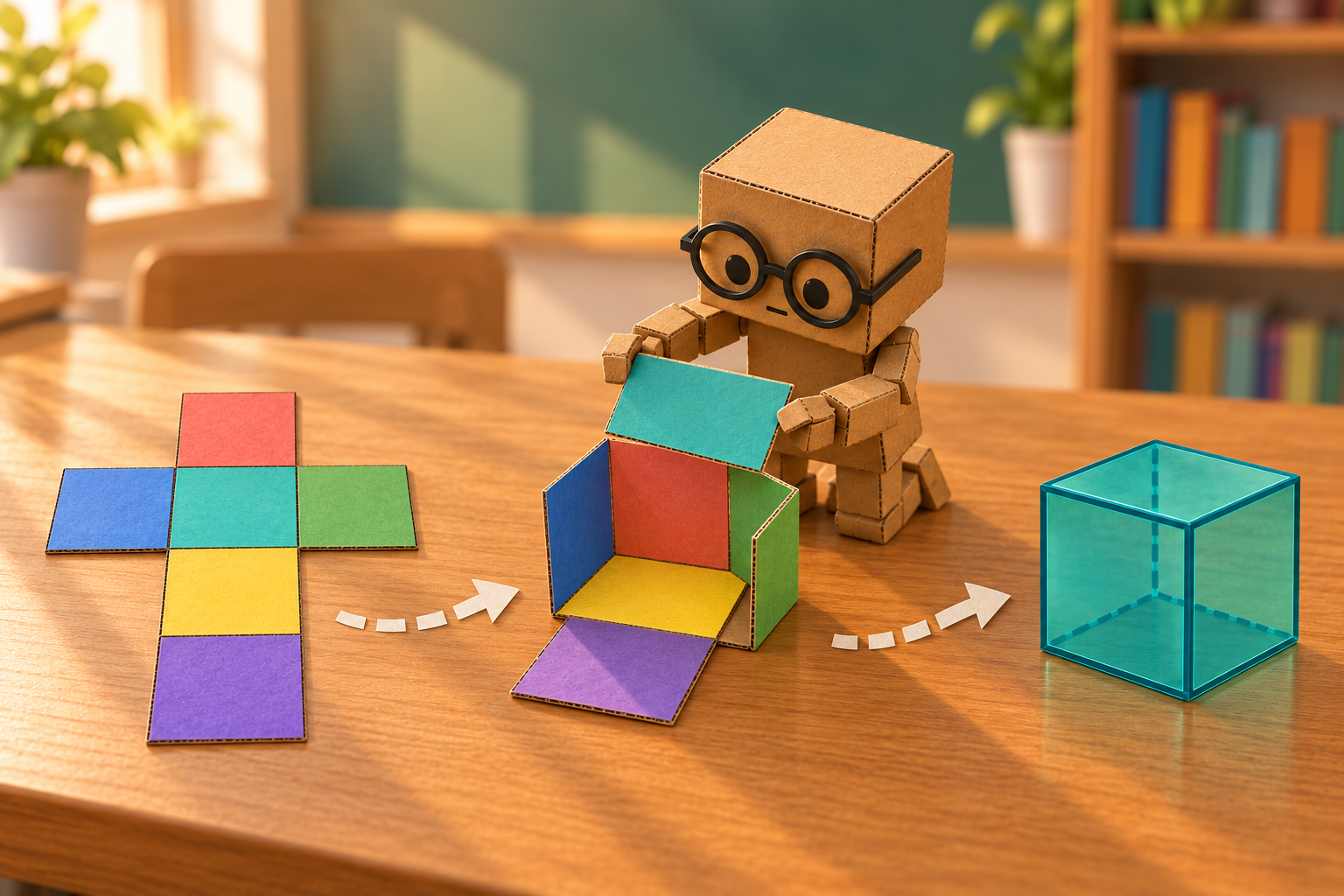
CT‑1 folding a six-square net to demonstrate how a 2D pattern forms a 3D cube
Choose a Geometry Explorer
Explore 2D Shapes →
Investigate area, perimeter and circumference using interactive squares, triangles, circles and other 2D shapes.
Explore 3D Solids →
Investigate cross-sectional area, surface area and volume using interactive prisms, pyramids, cones, cylinders and spheres.
